
Practical guide
Check hotel photographs before booking
A facade helps identify an address, but does not guarantee your room or facilities. Compare the subject, booked category, capture date and source.
In brief
Check hotel photographs before booking
A facade helps identify an address, but does not guarantee your room or facilities. Compare the subject, booked category, capture date and source.
1. Identify the actual subject
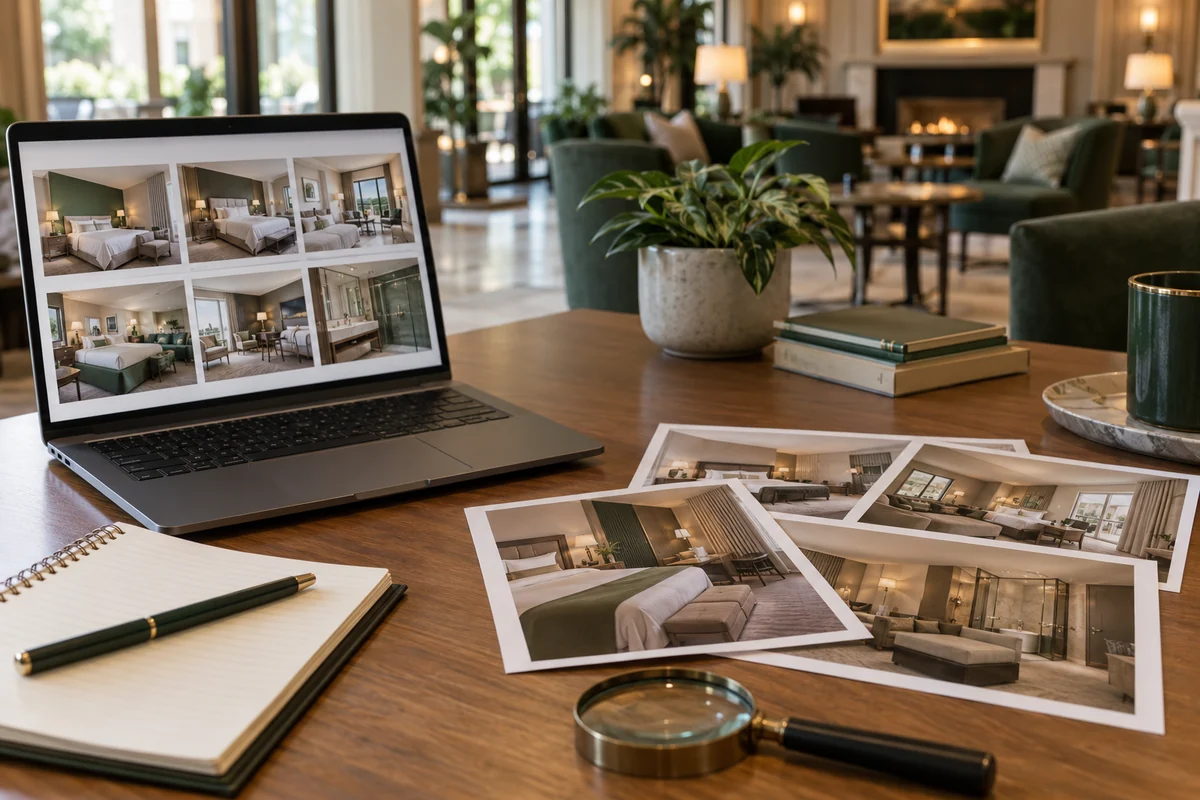
Match name, address, building and nearby landmarks. A shared pool or neighbourhood view may belong to a wider complex. Documentary directory photographs link to a specific hotel and credit the original file. Atmosphere illustrations are labelled separately.
2. Match the booked category
Open the gallery for the exact room name in your offer. Compare beds, windows, bathroom and stated floor area. A renovated suite used as the main image does not imply that every category includes its terrace, bath or view.
3. Check the capture date
The upload date may be later than the photograph. Consult the source file and compare recent hotel and guest images. Historic photographs document a building rather than current rooms. Without a capture date, do not infer a recent renovation.
4. Keep a precise reply
Give your category and dates when asking about balcony, view, renovation or pool opening. Ask what is confirmed and what depends on allocation. Keep the reply with your rate and room description.
Keep this checklist
Before booking
- Matching name and address
- Exact category gallery
- Original date where available
- Essential facilities confirmed
Frequently asked questions
Useful answers before booking
Does a photograph guarantee my view?
No. It may depend on category, floor and orientation. Check your offer.
Why show the author and source?
They make provenance and reuse terms traceable, without representing a recent inspection.
Sources and verification
Move to comparison
Apply these criteria to your next stay
Choose your destination and dates, then compare only equivalent rooms and terms.